


For retailers
- 01The MOON kiosk
- 02Films and photos
- 03Documents
The MOON kiosk
A tablet made for your shop. At a touch it shows what MOON is, what it does and how it does it — and it moves in step with the piece on your wall.
The kiosk, recorded as a visitor would use it: every touch is shown.
What's on it
Scroll through it screen by screen, as a visitor would. Left alone for three minutes, it returns to the start.
What's on it
Scroll through it screen by screen, as a visitor would. Left alone for three minutes, it returns to the start.
01 / 06
It invites
A film of MOON on a wall and one line: Not a lamp, the Moon. One touch begins.
02 / 06
Today's Moon, live
Drag through the days to the next new moon. The MOON on your wall follows, day by day.
03 / 06
Most asked questions
Get to know MOON answers what people ask: only at night? how does it work? is it a lamp? For your visitors on their own, or at your side while you talk them through it.
04 / 06
How does it work?
The computer inside, the astronomers' maths, the light behind the stone.
05 / 06
Is it a lamp?
Real or Everlit, then brightness, warmth and backlight, tried out on the piece itself.
06 / 06
The collection
Every model with its size, edition and price. Then a QR code, to take it all home.
Good to know
What do I need?
A tablet, Android or iPad, upright on a stand beside the piece and kept plugged in. And your MOON, within Bluetooth reach.
How do I set it up?
The kiosk is part of the MOON app, the same app you use to control MOON. Install it on the tablet (version 1.5 or later) and add your MOON, as a customer would. Then open About → For retailers, enter the showroom code (we'll send it to you), choose your MOON and start the showroom. About ten minutes, once.
How do I keep it on the kiosk?
On Android, accept screen pinning; you can also make MOON the Home app so it comes back after a restart. On an iPad, turn on Guided Access. Once it is set up, it doesn't need Wi-Fi.
What happens between visitors?
After three minutes without a touch it goes back to the first screen and lets go of your MOON, so a phone can connect to it.
Films and photos
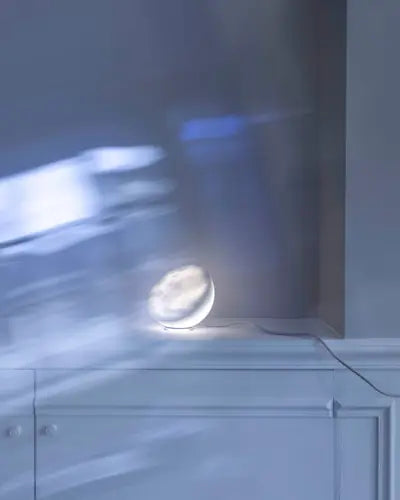
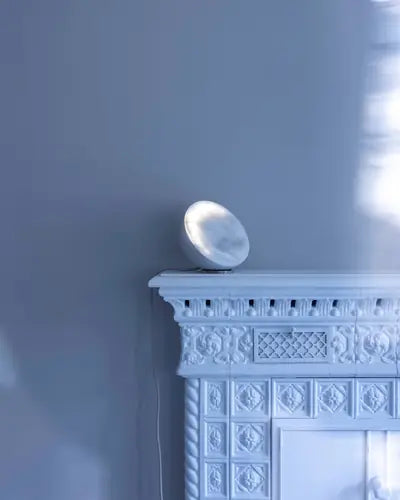
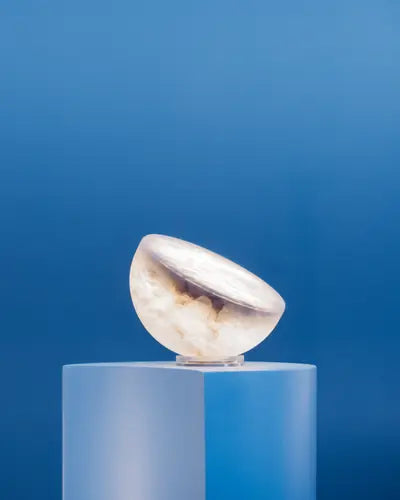
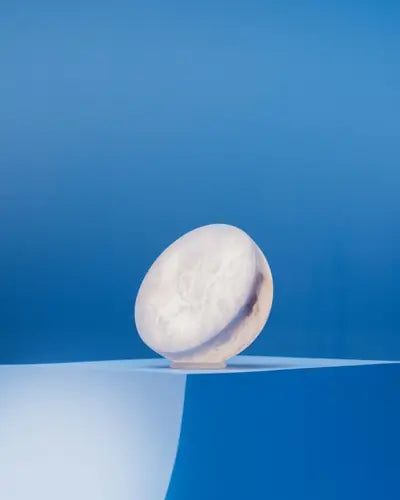
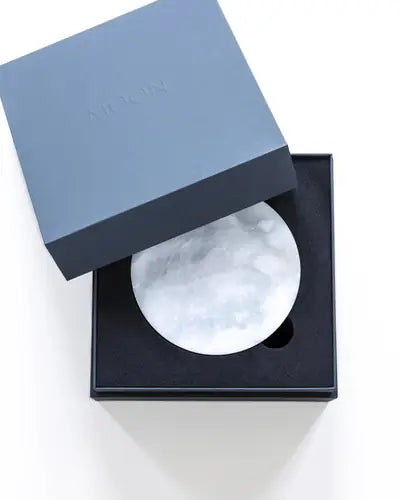
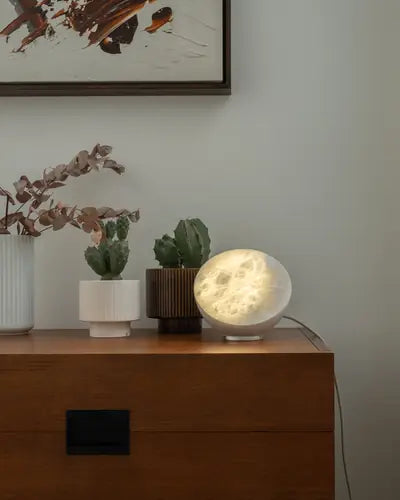
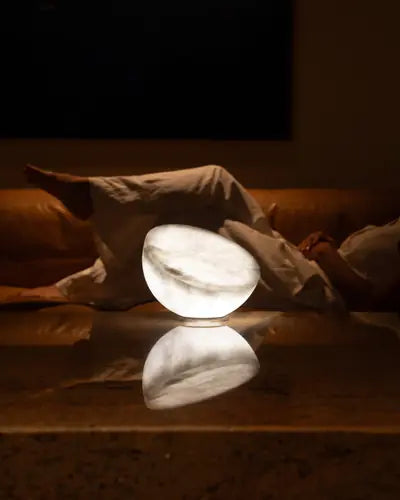
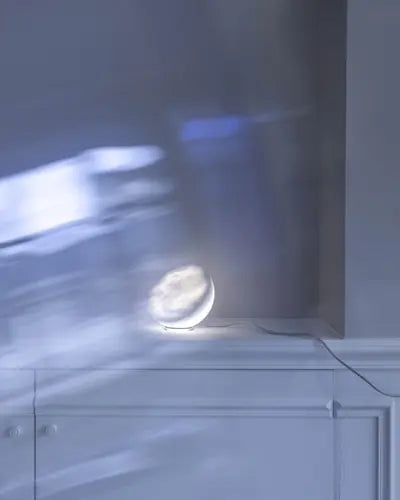
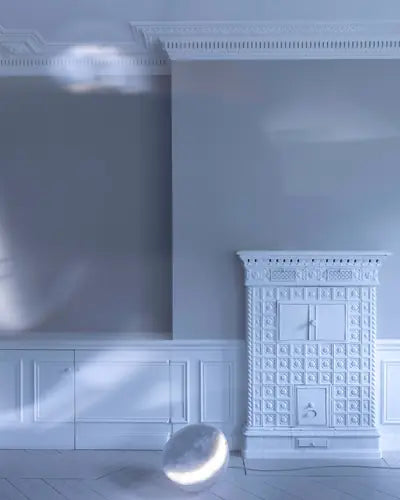
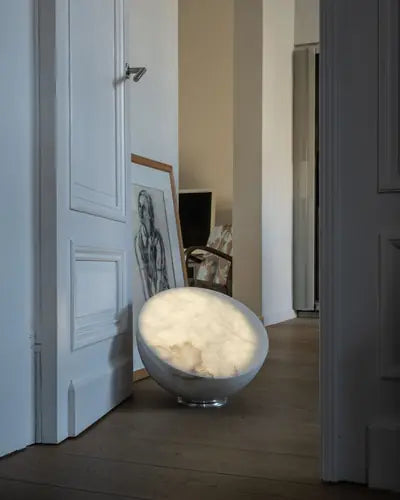
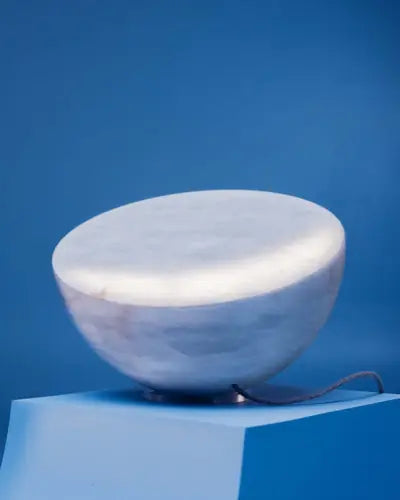
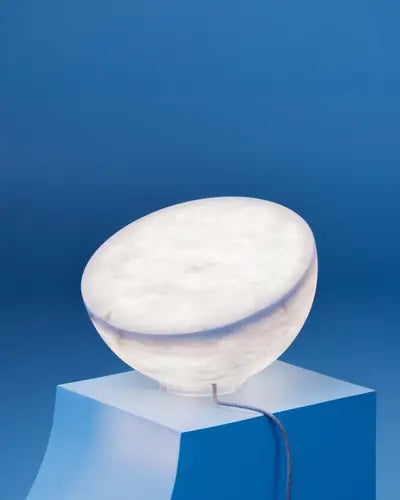
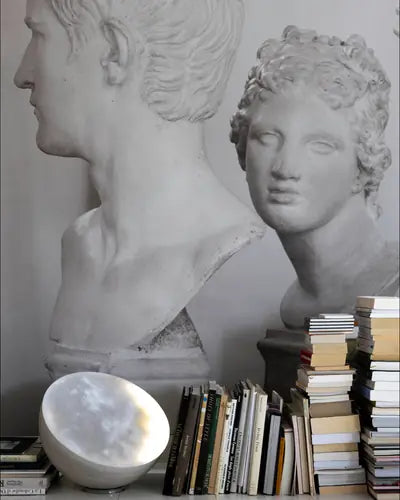
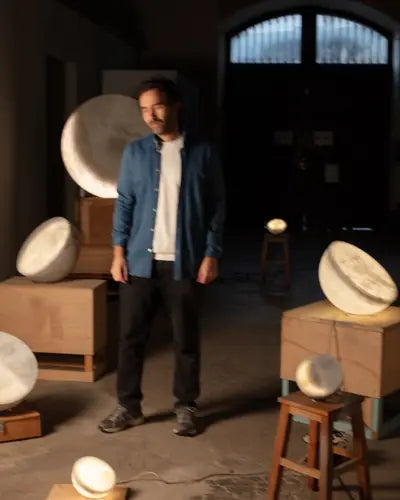
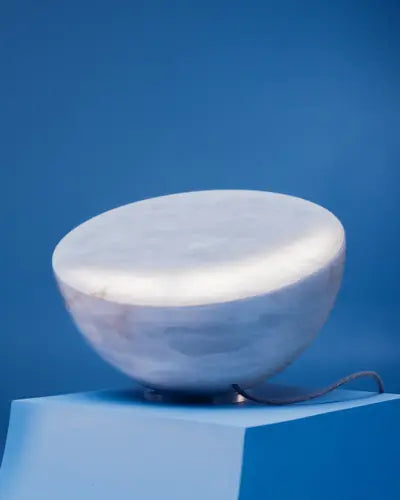
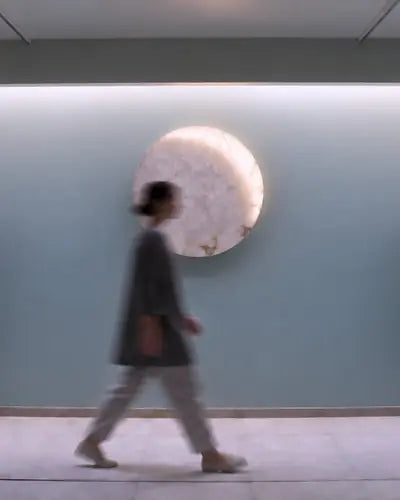
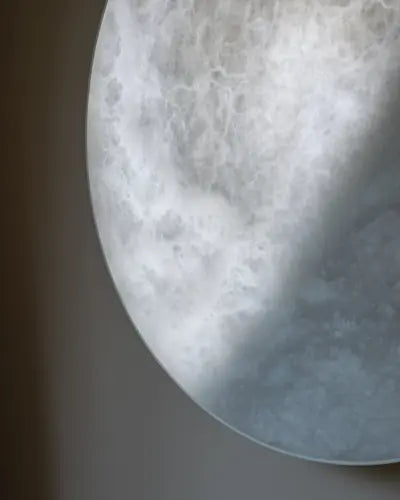
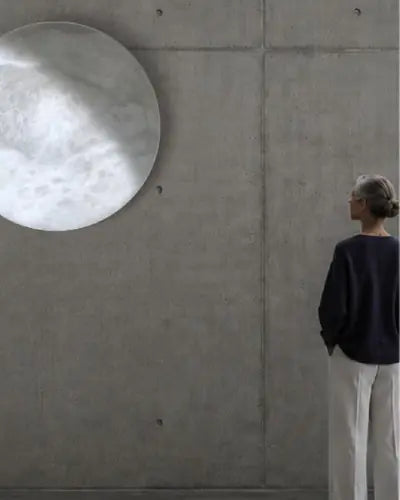
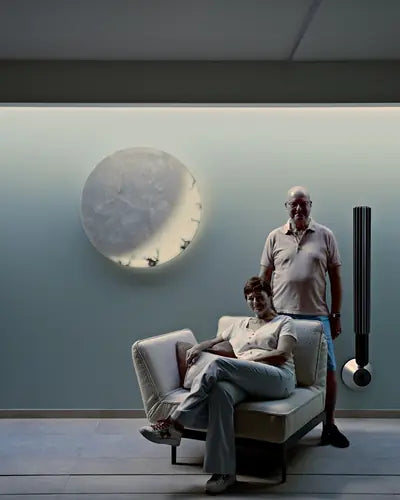
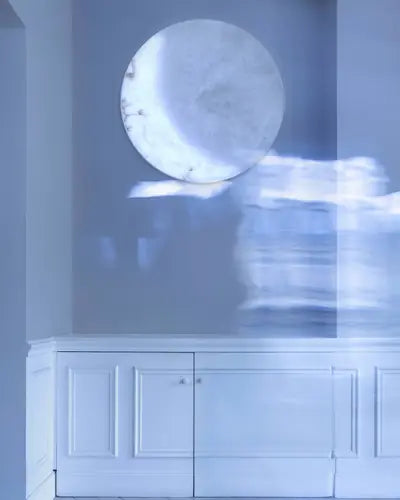
Photos and films of each model, for your window, your website and your social media. Open one large, download it, or download everything shown.
MOON Sixteen
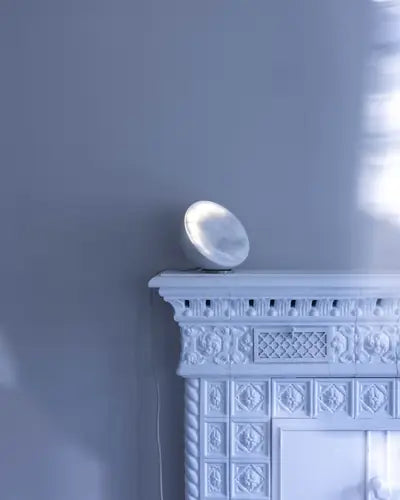
MOON Forty
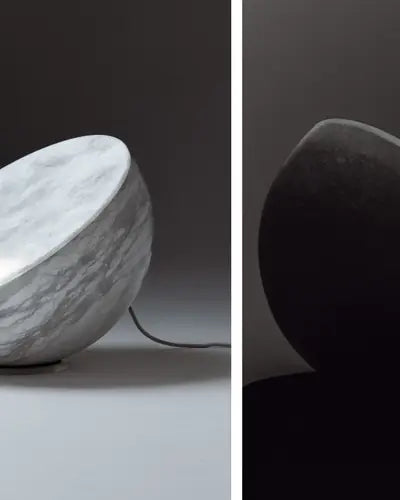
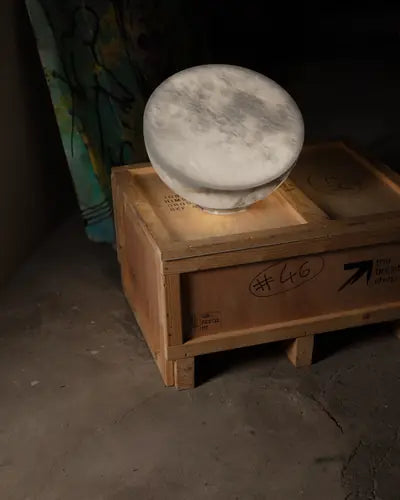
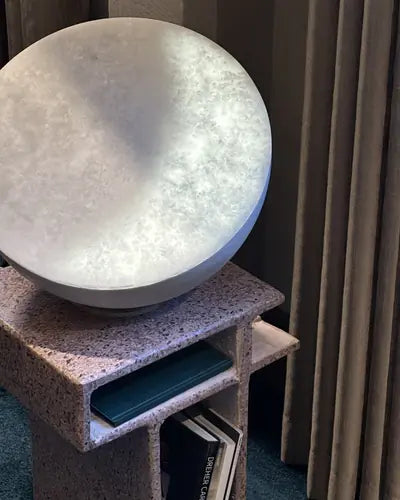

MOON Ninety


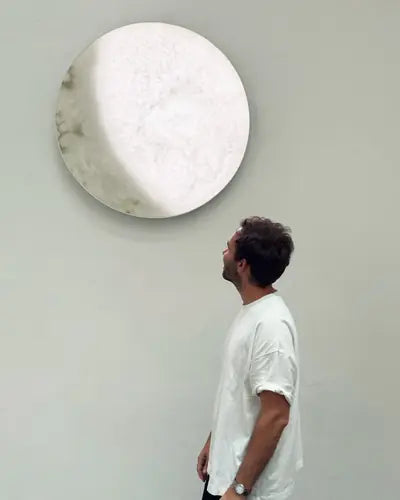

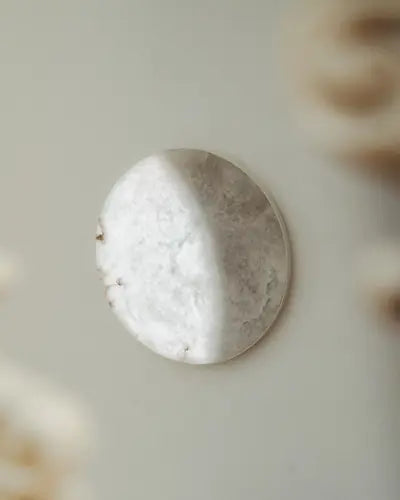
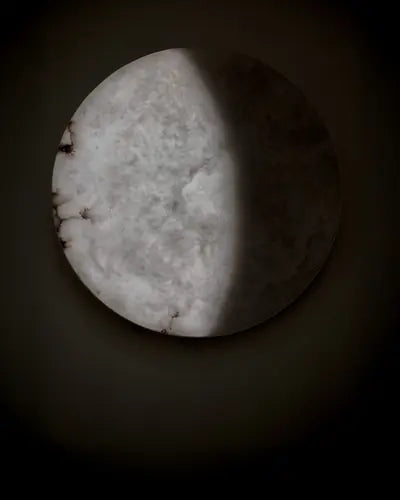
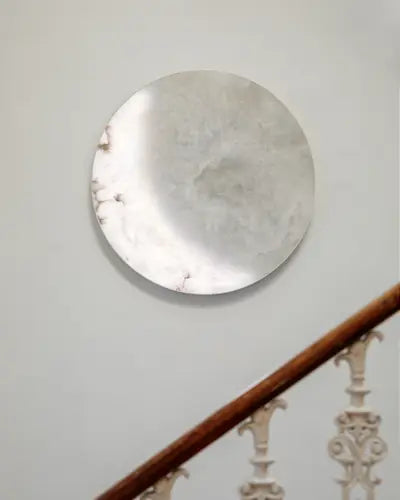
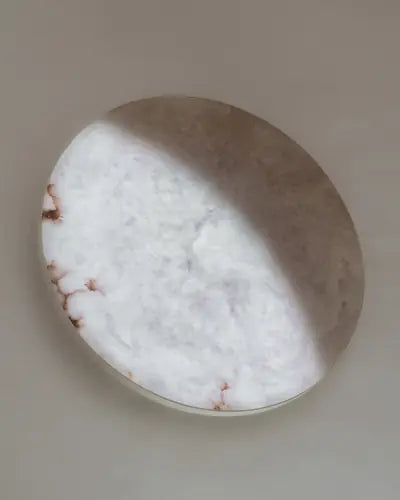
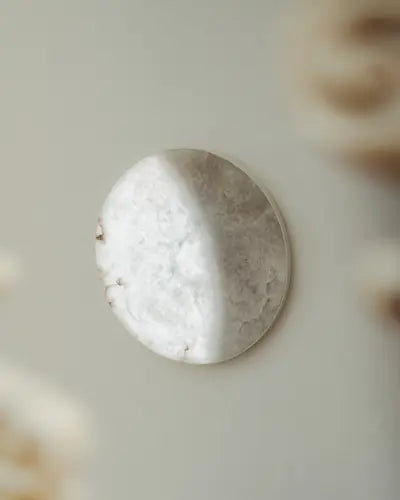
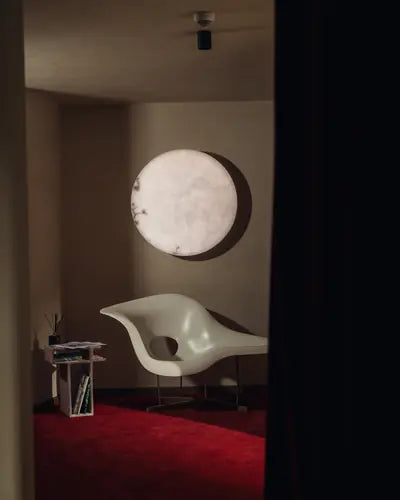
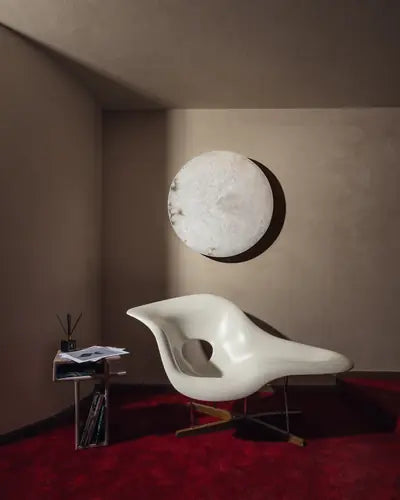
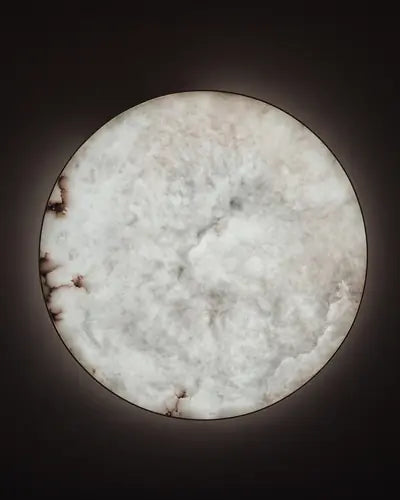
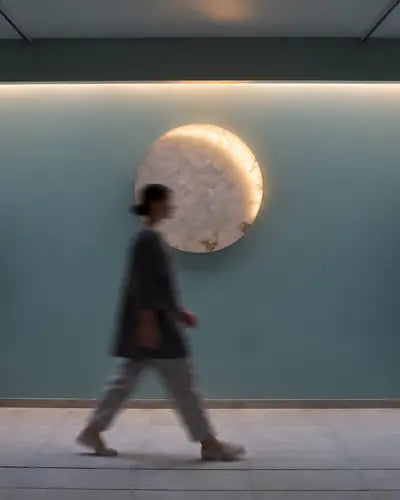

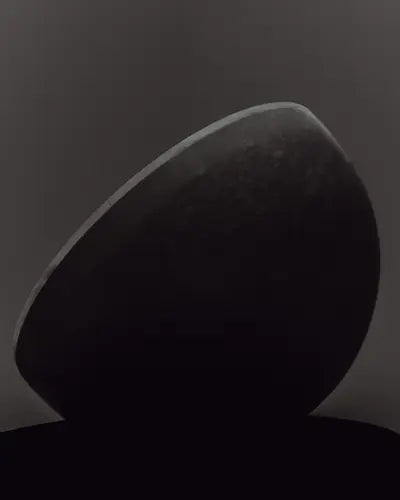
The collection
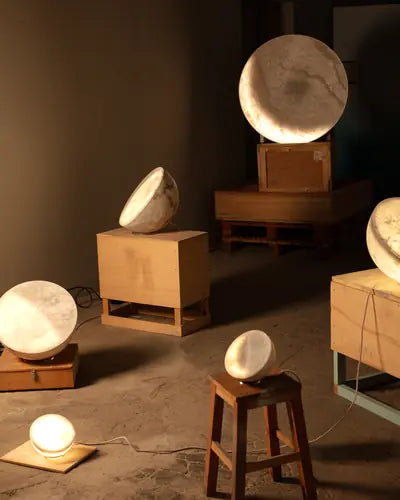


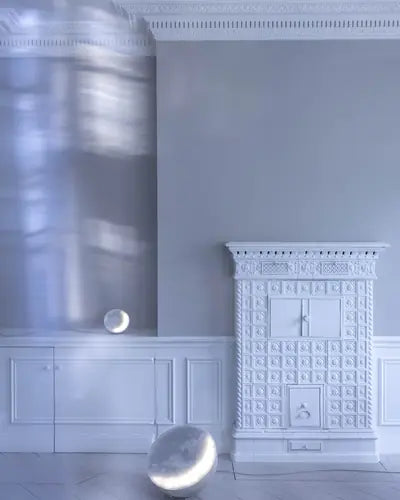






Download one from its corner, open it large with a tap, or take everything shown in one file. Please credit the photographer where a name is given.
Documents
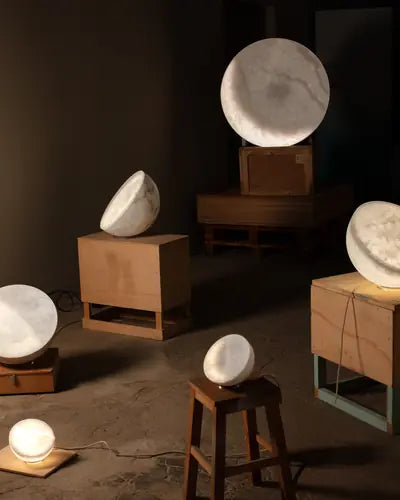
Catalogue EU 2026
The collection, to leaf through or download.

Trade terms 2026
Prices for retailers and professionals, conditions and specification.
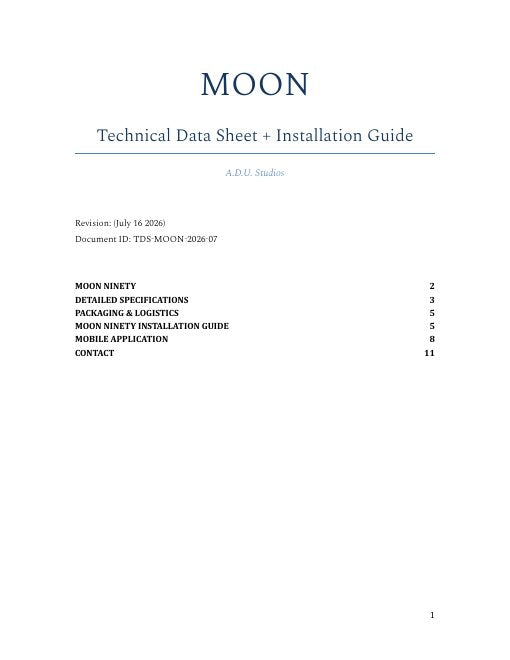
MOON Ninety installation guide
Technical data, dimensions and installation, in one PDF (July 2026).
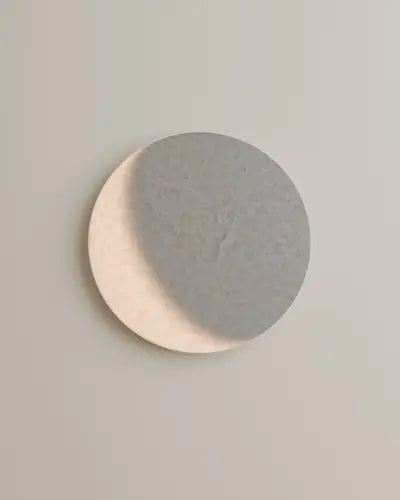
3D files for architects
MOON Ninety, ready to drop into a project.
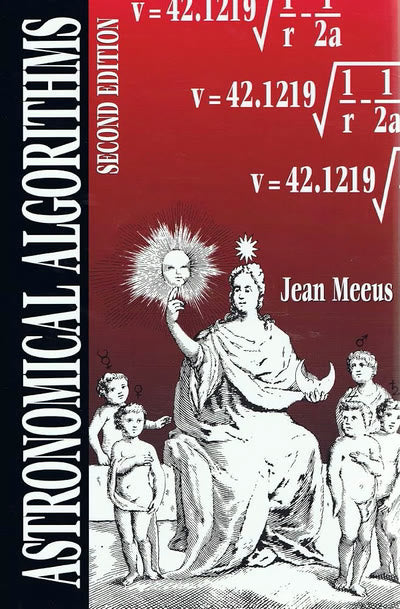
How does it work?
The computer inside and the astronomers' maths, as a story to scroll.
A kiosk for your shop?
Tell us where MOON lives with you. We'll send the showroom code, and help you set it up.